Best webcams for video calls
For calls, 4K is mostly wasted: the video app shrinks it anyway. What shows is how a camera copes with a dim room, and what to plug in instead of its microphone.
4 products ranked Updated
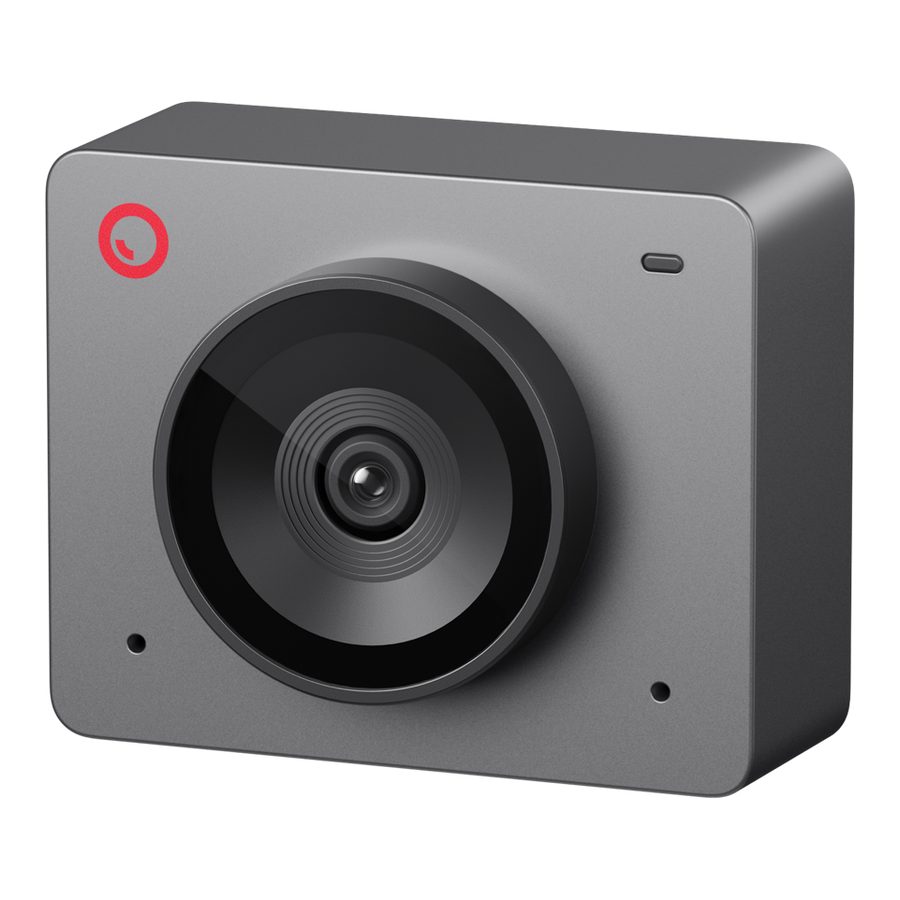
Our rankings are built from published testing by named outlets, not from our own lab. We earn a commission when you buy through our links, and it never changes the order.
The short answer
- 1 Obsbot Meet SE Best for most calls $67
- 2 Insta360 Link 2C Sharpest picture $149, per Tom's Guide and TechRadar
- 3 Anker PowerConf C200 Best under $60 About $60, per Tom's Guide
- 4 HP 325 FHD Webcam Cheapest decent one $57 at HP; TechRadar says usually under $30 elsewhere
Prices checked 14 September 2026. They move constantly — the retailer's own page is the authority.
Obsbot Meet SE
4.5 / 5
Our reading of TechRadar — their best webcam overall , 2026
TechRadar's pick of every webcam they list, at under $70, and the one that finally displaced the Logitech C920 that sat on top of these lists for years. It is 1080p, which is all a video call uses, with autofocus and framing that keep you centred if you lean back. Its weak point is the stand. If you want the sharpest picture for recording rather than calls, look at the Insta360 below.
Pros
- Better picture than the old benchmark C920, per TechRadar
- Autofocus and auto-framing
- Tiny, and $67
Cons
- The stand is flimsy
- 1080p only, which limits recording
Insta360 Link 2C
4.5 / 5
Our reading of Tom's Guide — their best webcam overall, and TechRadar's best 4K webcam , 2026
Both our sources put it at or near the top for picture quality. Its autofocus picks up objects you hold to the camera, which suits teachers and anyone demonstrating something. Both also say the same thing about the microphone: use another one. No photograph: Insta360's store showed us European prices and only a shared image of this and its sibling model, so the link is a search.
Pros
- Very sharp 4K with good low-light performance
- Autofocus follows objects you hold up
- Detailed control software
Cons
- Weak built-in microphone, per both sources
- Gesture controls are unreliable
- No photograph, and a quoted price
Where these findings come from
- Tom's Guide: best overall; very clear 4K at 30 fps with good colour and solid low-light performance; in-depth companion software; built-in mic sounds compressed
- TechRadar: best 4K; phase-detection autofocus that follows objects you hold up; gesture controls hit or miss; internal mic not great
Anker PowerConf C200
4 / 5
Our reading of Tom's Guide — their best budget webcam , 2026
Good in a dim room, which is where cheap webcams usually fall apart, and with a field of view you can narrow so the camera shows your face rather than the whole kitchen. The shutter is built in. It does not swivel, so getting the angle right takes some fiddling. No photograph: Anker's page for it no longer exists, so the link is a search.
Pros
- Strong low-light picture for the price
- Adjustable field of view
- Built-in privacy shutter
Cons
- No swivel
- No photograph, and a quoted price
Where these findings come from
- Tom's Guide: best budget; 2K with excellent low-light performance; adjustable field of view (95, 78 or 65 degrees); built-in privacy shutter
- Tom's Guide: no swivel, so framing can be awkward
HP 325 FHD Webcam
3.5 / 5
Our reading of TechRadar — their best budget webcam , 2026
A plain 1080p camera that does the job for family calls and work meetings in a well-lit room, and little else. TechRadar is blunt that its audio is poor and that it needs decent light. HP's own store charges $57, and TechRadar says it usually sells for under $30 elsewhere, so shop around. No photograph: HP's page served no product image to us.
Pros
- 1080p with a privacy shutter
- Cheap when bought from a retailer
Cons
- Poor microphone
- Needs good lighting
- HP's own price is double the usual
What actually matters for calls
Low-light performance, not resolution. Zoom, Teams and Meet send your video at around 720p or 1080p whatever the camera can do. What your colleagues notice is whether you look grainy and dark in an ordinary room at 5pm. A camera that handles dim light well beats a 4K camera that does not.
A different microphone. Both our sources say the same thing about most of these cameras: the built-in microphone is the weak part. Earbuds or a headset with a mic will sound better than any webcam here.
Autofocus and framing. Useful if you move around or hold things up to the camera. Less useful if you sit still.
A privacy shutter. A physical cover is more reassuring than a software switch.
When 4K is worth it
If you record video for YouTube or courses, or crop into the picture, 4K earns its price. For calls alone, it mostly does not.
Where this comes from
We do not test webcams. This guide combines TechRadar and Tom's Guide, which have each reviewed dozens of current models for picture, low light, sound and software.
What we are leaving out
Streaming cameras with capture features most callers will not use, and conference-room systems.
Where this comes from
We did not test these. These people did.
Every score on this page rests on the testing below. The ranking is ours; the measurements are not. How we research.
- TechRadar — Webcams from 1080p to 4K reviewed for image quality, low light, audio and software, with a best-for ranking. Updated July 2026.
- Tom's Guide — Hundreds of webcams tested over the years for calls, streaming and recording, judged on picture, low light, microphones and software. Updated August 2026.
Questions people ask
Is my laptop camera really that bad?
Where should I put the light?
More guides
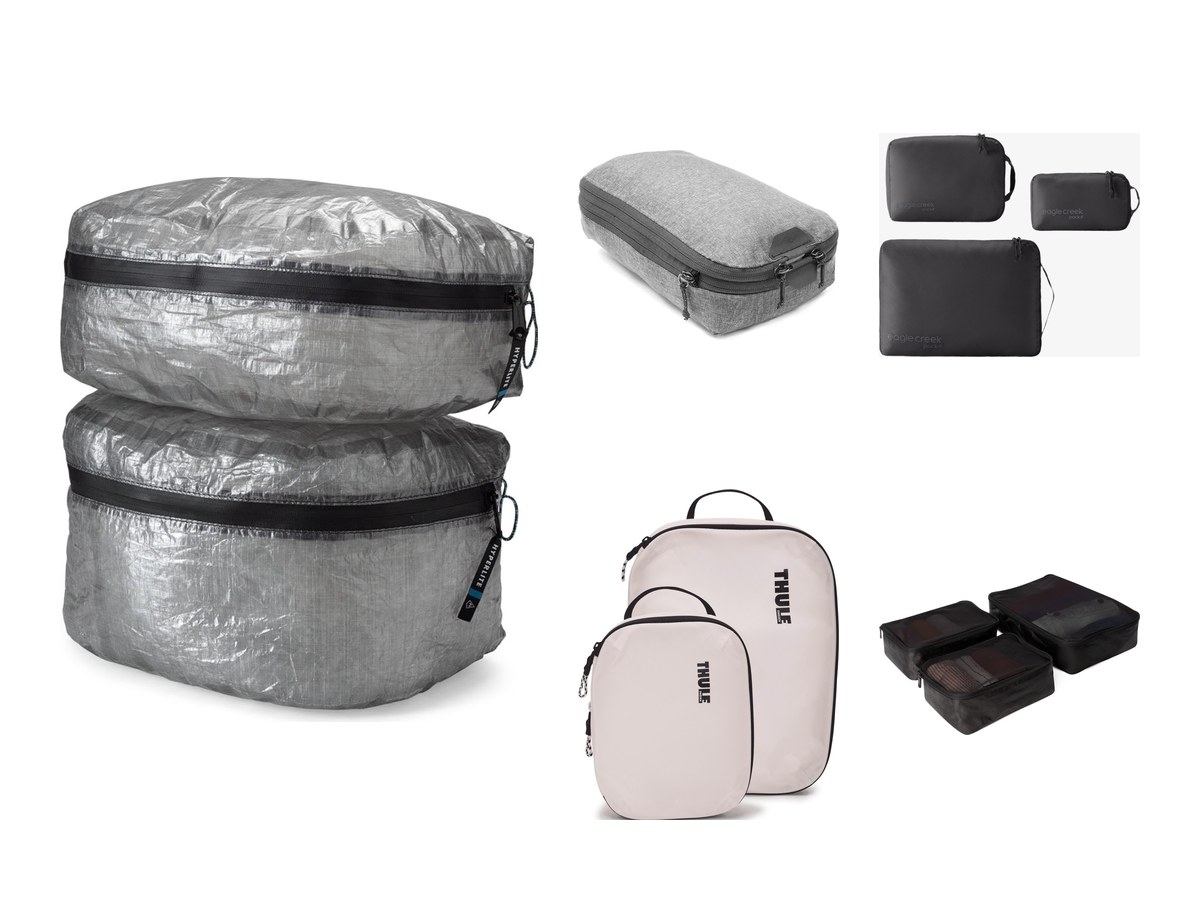
Best packing cubes
What packing cubes actually buy you, what they do not, and the one component that decides whether a set lasts a year or five.
5 picks Updated

Best carry-on luggage
Cabin allowances, wheels, and the part that actually breaks. What to weigh up before you buy, and how we will decide the ranking.
4 picks Updated
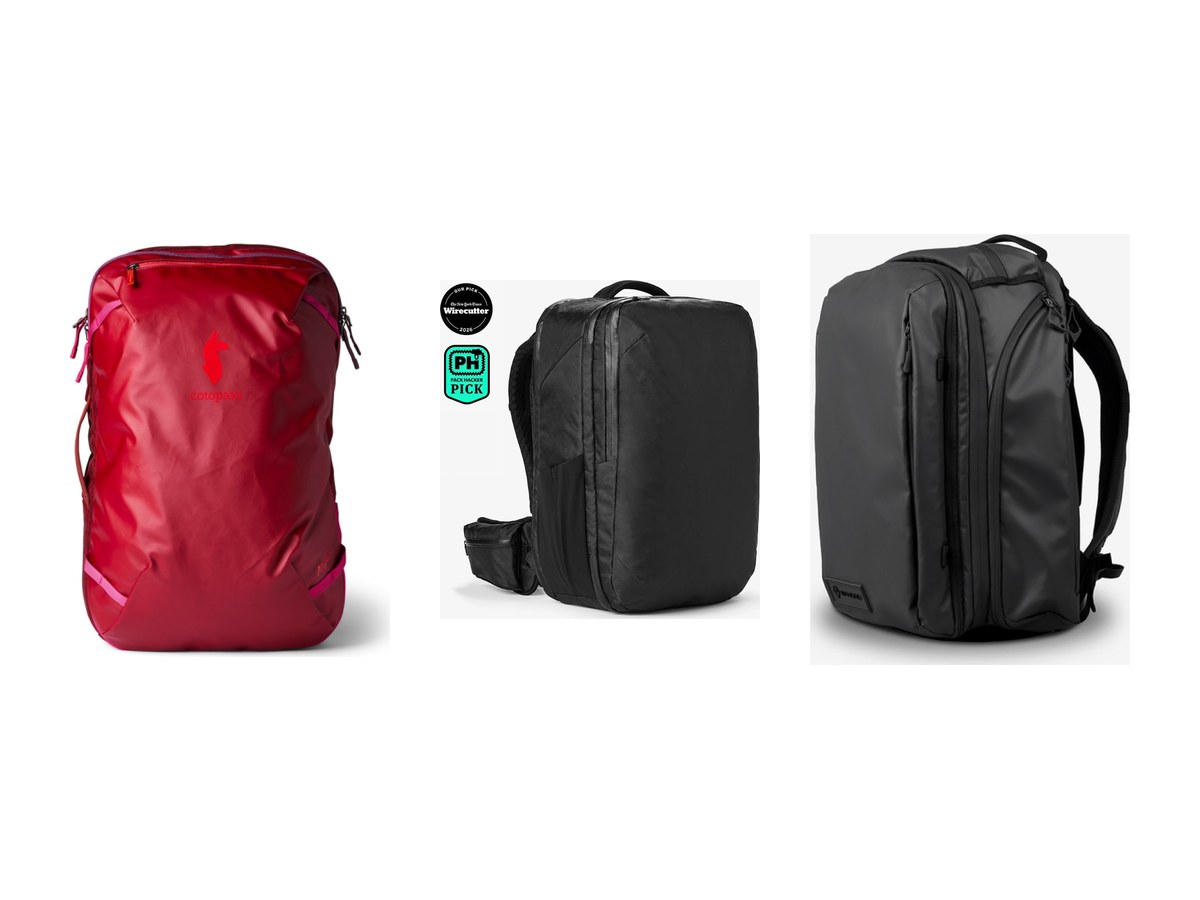
Best travel backpacks for a one-bag trip
Carrying a week on your back means trading capacity against the cabin allowance. The measurements that decide it, and how we will rank them.
3 picks Updated